
How to Spot Black Friday Phishing Scams on Facebook, Meta and Google in
South Africa?
Think the deal's a steal? Scammers bait you with too-good-to-be-true Black Friday offers to hook you into phishing scams.

Clickbait and the lure of an unbelievable deal.
With Black Friday around the corner, scammers are capitalising on the excitement/greed of an unbelievable cheap deal, targeting consumers in South Africa through social media and Google ads. These ads, appearing on Facebook Meta and Google, give a false sense of legitimacy due to the established reputations of these platforms. Unfortunately, Meta and Google don’t always catch these threats quickly, allowing cloned sites and phishing campaigns to reach unsuspecting buyers. Here’s how you can protect yourself from these scams.
The single most important red flag is if you Think the deal's a steal? Scammers bait you with too-good-to-be-true Black Friday offers to hook you into phishing scams. Once you have clicked on the link, check the URL spelling. Google the company and compare the SERP URL versus the click bait URL for example PicknPay https://www.pnp.co.za/ versus https://pnpsa.co.za/ versus https://pnpsa.co.za/.
Spotting Phishing Scams on Facebook, Meta, and Google Ads?
Check the sender's information. Legitimate businesses will have a verified account with a blue checkmark.
Look for spelling and grammar errors. Scammers often make mistakes in their writing.
Hover over links before clicking on them. This will show you the actual URL and help you identify suspicious links.
Be wary of urgent messages. Scammers often create a sense of urgency to pressure you into making a quick decision.
Don't share personal information. Legitimate businesses will never ask you for your credit card number, social security number, or other personal information over email or social media.
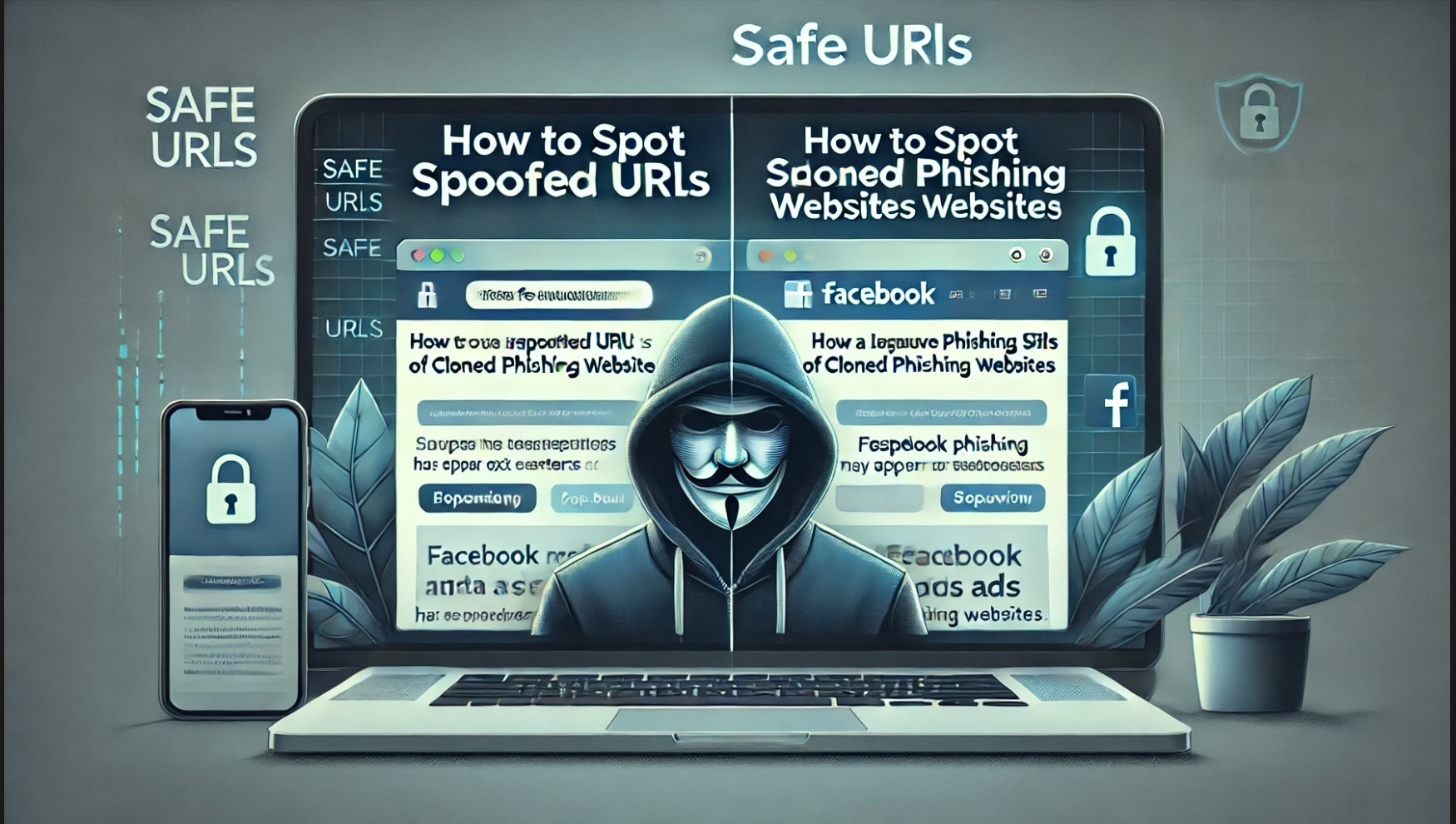
How to Spot Black Friday Phishing Scams on Facebook, Meta, and Google in South Africa?
Think the deal's a steal? Scammers bait you with too-good-to-be-true Black Friday offers to hook you into phishing scams.
With Black Friday around the corner, scammers are capitalising on the excitement/greed of an unbelievable cheap deal, often targeting consumers in South Africa through social media ads and search engine placements. These ads, appearing on Facebook Meta and Google, give a false sense of legitimacy due to the established reputations of these platforms. Unfortunately, Meta and Google don’t always catch these threats quickly, allowing cloned sites and phishing campaigns to reach unsuspecting buyers. Here’s how you can protect yourself from these scams.
The single most important red flag is if you Think the deal's a steal? Scammers bait you with too-good-to-be-true Black Friday offers to hook you into phishing scams. Once you have clicked on the link check the URL spelling. Google the company and compare the SERP URL versus the click bait URL for example for example PicknPay https://www.pnp.co.za/ versus https://pnpsa.co.za/ versus https://pnpsa.co.za/.
Check the URL: Scammers use web addresses that look almost identical to trusted brands but with subtle differences, such as "pnpsa.co.za" instead of the official "pnp.co.za." Always double-check the URL when you land on a retailer’s site from a Meta or Google ad. Look for extra letters, unusual domains (e.g., .co instead of .co.za), or slight spelling variations. Scammers rely on hurried shoppers not paying attention to these details.
Question the Legitimacy of Ads on Social Media: While platforms like Meta have ad policies, cloned websites still slip through. In South Africa, we’ve seen cases where fake ads posing as reputable stores, such as Cape Union Mart, lead to cloned phishing websites. Meta often fails to remove these ads permanently, allowing scammers to reappear under new accounts. Stay vigilant by questioning too-good-to-be-true discounts, unfamiliar brand names, or poorly constructed ads.
Be Wary of Facebook Pages with Vague Information and not followers: Phishing campaigns on Meta sometimes include fake Facebook business pages, complete with logos and stolen images to appear legitimate. However, these pages often lack depth, with little or vague information about the business, poor grammar, or inconsistencies in the brand’s identity. To verify a page, check the number of followers, customer interactions, and how long the page has been active. Established retailers typically have a well-documented history on social media.
Verify Online Stores’ Authenticity Before Buying: Phishing sites often mimic popular retailers but lack HTTPS encryption. When shopping, ensure the URL starts with “https://” and look for a padlock icon in the browser bar. Also, cross-check any deals on the official website of the retailer by entering the URL directly into your browser rather than clicking on ads.
Be Cautious of Facebook Pixel Tracking: Facebook Pixel, a tool for tracking site visits and engagement, has been misused by scammers. By embedding the Pixel on their cloned sites, scammers can track visitors’ activity, even linking it to their Facebook profiles. This invasive tactic can expose users to further targeting. To reduce this risk, review your Facebook ad settings to limit Pixel tracking, or use browser extensions that restrict third-party tracking.
Recognise Fake Payment Pages: Scammers may set up cloned checkout pages that ask for excessive information. Secure online stores generally use trusted payment gateways that redirect users to a secure page. If the payment page doesn’t look right or requests unnecessary information (like social security numbers or security questions), it could be a fake. Avoid entering your details and exit the site immediately.
Again, Watch Out for Deals That Seem Too Good to Be True: Heavily discounted prices for high-demand products are common bait. Scammers often post about such deals, hoping to entice consumers into clicking the ad and sharing their credit card details on a fake site. When a product priced way below market value catches your attention, check the official website or contact customer service to verify the offer.
Set Up Two-Factor Authentication (2FA) for Extra Security: Enabling 2FA on your social media accounts and online banking adds an additional layer of security, reducing the risk of unauthorised access. Even if scammers obtain your details, they’ll have a harder time accessing your accounts without the secondary verification step.
Limit Your Personal Information on E-commerce Sites: When creating accounts on online shopping sites, only provide essential details. If a website asks for excessive information, be cautious. Scammers can use any extra data to personalise phishing attempts, making them harder to detect.
Stay Informed and Report Phishing Attempts: Awareness of current scam tactics is your best defence. If you encounter a suspicious ad or website, report it directly to Meta or Google to aid in their removal. Sharing your experience on social media can also alert others to similar scams. Remember, the more consumers push back and report, the better chance we have of stopping these scams.
Black Friday can be an opportunity for savings, but it’s also a hotspot for phishing and fraud. By staying vigilant and following these tips, you can safeguard your personal information and enjoy a safer online shopping experience.
Here’s how to spot spoofed URLs of cloned websites?
If the offer is too good to be true then it is.
Check the Domain Name of the website very carefully. Do a Google search for the company and compare the URL web address google shows in the search results. Compare the two URL web addresses and look for small differences. A fake cloned website might use https://www.capeunionmart-za.com/ instead of https://www.capeunionmart.co.za/ or add unnecessary words like Africa https://www.capeunionmartafrica.co.za/
Watch for unusual characters, extra dashes, or misspellings, like https://www.capeunionmart-za.com/ and beware of extra words or numbers. Fake cloned websites often use words that sound related but aren’t genuine, like capeunionmartsave.com or capeunionmart-za.com/ Legitimate sites rarely add extra words or numbers in the URL.
Hover to Preview the Link. HTML button or text will obscure the cloned websites URL so convert emails to plain text or hover over the HTML to see the destination URL web address. On a computer, you can hover your mouse over a link to see the full URL in the bottom corner of your screen before clicking. On a mobile, press and hold to preview the link.
Avoid links that look suspicious or don’t align with the official brand domain.
Use Online Tools to Verify: Tools like VirusTotal (https://www.virustotal.com/) allow you to enter a URL to check if it’s safe. Another is [Google Safe Browsing](https://transparencyreport.google.com/safe-browsing/search) for a quick security check. However if the cloned website does not contain malware this tool will not help. Use https://easydmarc.com/tools/phishing-url or https://www.urlvoid.com/ however if no recorded malware or phishing reports are present then check the URL thoroughly.
Other Red Flags for Phishing URLs. Look at the URL Structure: Complex, random URLs with strange words, numbers, or a long series of characters are suspicious.
Overuse of Promotional Words: URLs that include phrases like "discounts," "black-friday-special," or "cheap" can be fake if they don’t follow the site’s official structure.
If the offer is too good to be true then it is.
Imagine you get a link promising a “75% discount on all items” on a site that looks like Cape Union Mart. The link says https://www.capeunionmartcoza/discounts-75.com. This is a fake phishing URL of a cloned website, the legitimate Cape Union mart website will stick to its original URL, https://www.capeunionmart.co.za/
Summary Checklist:
Feel hoooked, look for HTTPS, read the domain name carefully, check for extra words or numbers, preview links before clicking and use verification tools if unsure.
What I Do.
I specialise in Digital Footprints for new Startups and Identities struggling to be found in Search.

Google Maps Marketing Local SEO
Google Maps Marketing Local SEO is the art of optimising your online presence and increasing foot traffic to your local based business.

SEO Content Copywriting
SEO Digital Content Copywriting is the art of copywriting keyword/phrase content that is found in search results that converts.

Search Engine Marketing SEM
Search Engine Marketing SEM is a paid advertising strategy, like pay-per-click (PPC) increasing website visibility to appear as search results in Search Engine Results Pages SERPs.

WordPress Websites
WordPress is an open-source versatile content management system CMS for users to create easy functional beautiful looking websites that is found in search

WordPress SEO
WordPress SEO is the art of of getting your WordPress Website Pages on #Page1 of Organic Search Results for your Keywords/Phrases/Products/Services to your (best converting) target audience.

WordPress Website Maintenance
WordPress Website Maintenance is the process of keeping your website functioning properly, fast, secure, backed-up, up-to-date and in line with best practices that supports your SEO strategy.

Photography
Photography is the art of capturing an instant in time by recording the light you see and applying a filter of your innermost thoughts.

360° Virtual Reality Video
Let's Work Together!
Contact SEO Cape Town.
5 Clarendon Court, Melrose Road, Muizenberg, Western Cape 7945, South Africa VFR9+XP Lakeside, Cape Town
(+27) 060 904 5988
Email Me
Follow Us

First Peoples Land Statement
Search Engine Optimisation Marketing operates on the traditional, ancestral and unceded lands of the San and Khoe peoples. I wish to acknowledge the lands of the First Peoples we now occupy.